Installation Tutorials
How to Verify a KT200II Software Download Before Installation
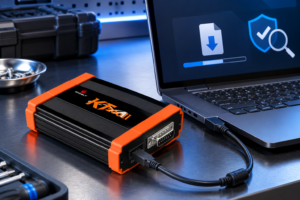
Learn KT200II software download: kT200II software download should be diagnosed in layers. Start from the official information page, confirm the intended.
 KT200II Official Product
WhatsApp: +8613247380276
Scan or save the QR code to add ECUHELP on WeChat.
Learn KT200II software download: kT200II software download should be diagnosed in layers. Start from the official information page, confirm the intended.
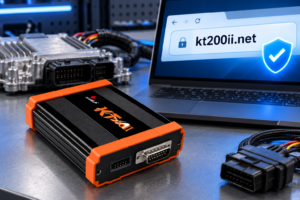
Learn official KT200II website: official KT200II website is best approached as a verification task, not a slogan. Verify the domain, product identity,.
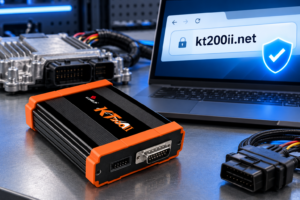
Learn how to verify the official KT200II product-information website, software download page, support list and contact channels before you download files or discuss a purchase.
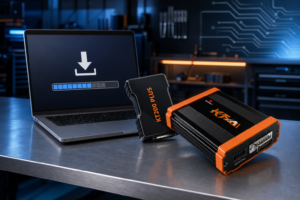
Use this KT200II software download guide to find official links, distinguish KT200II from KT200PLUS files, check coverage, and prepare a safer installation.
A practical KT200II vs Foxflash comparison covering verified support-list depth, ECU/TCU working modes, ownership value, and the best fit for a multi-brand workshop.

A practical comparison of OBD, Bench, and Boot ECU programming, covering connection methods, setup, access, risks, recovery considerations, and safe method selection.

One of the biggest strengths of the KT200II is that it supports every mainstream ECU/TCU working mode in a single
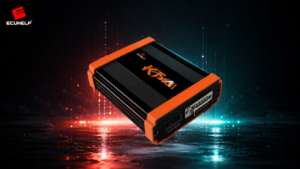
The KT200II is a professional read/write platform for engine control units (ECU) and transmission control units (TCU). It is built